
Introduction
You have a draft. It came back from your content prompt quickly, and the structure is close to what you needed. But something is off. The tone is too formal. The word count is twice the target. A few sentences use jargon your audience would not recognize.
You have two options: start over with a new prompt, or submit a targeted editing prompt that addresses the specific gap.
The draft-test-refine loop you practiced in Chapter 4 applies directly here. Once you have a working first draft, you do not need to discard it when it is not quite right. You can use a focused follow-up instruction to improve one dimension at a time – without rebuilding the entire piece from scratch.
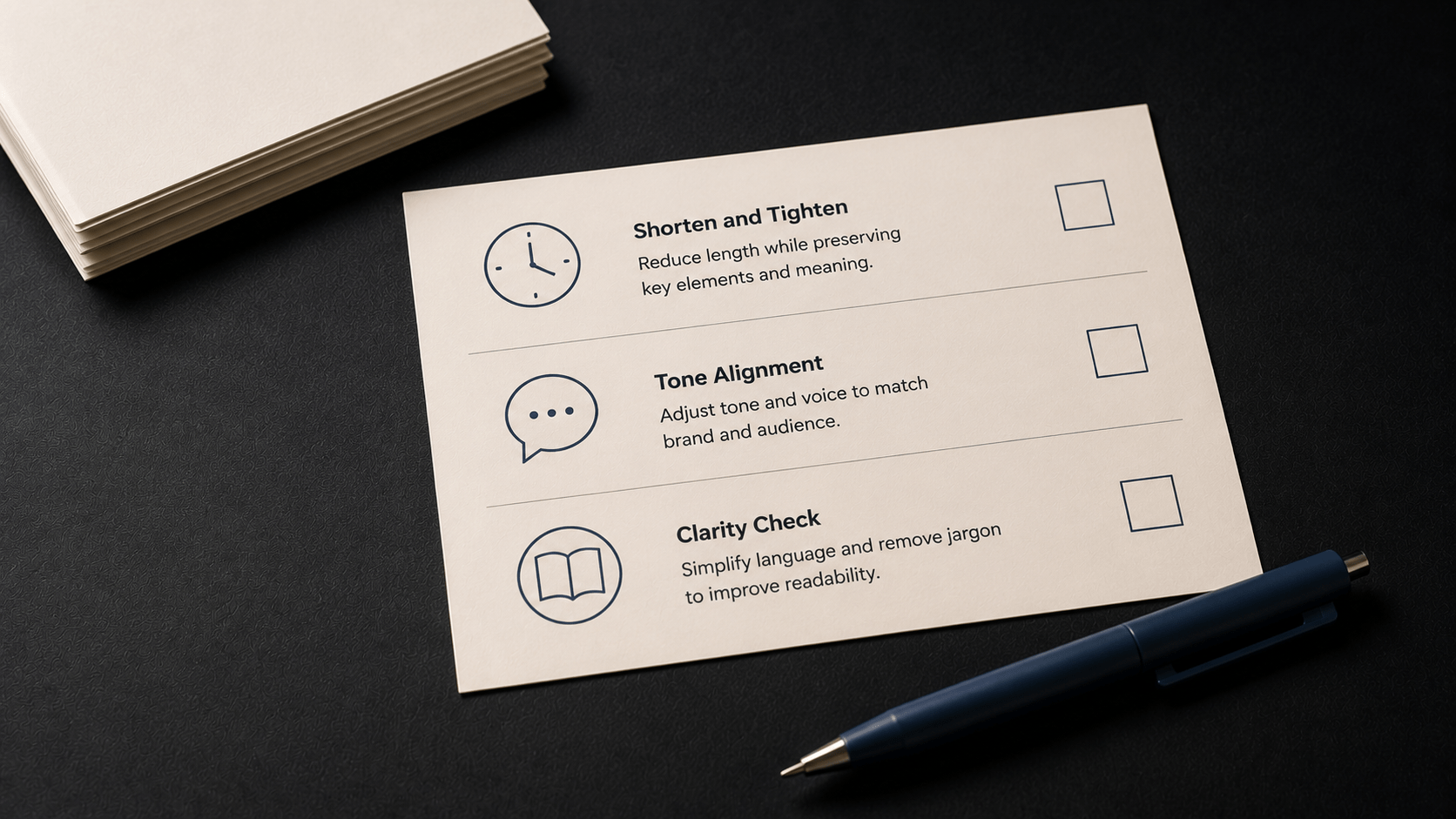
This article covers three editing prompt types that address the most common gaps in AI-generated content drafts. Each type targets a different problem: a draft that runs too long, a draft whose tone does not match the brand, and a draft with language that would confuse a general reader. You will see the structure of each editing prompt, an annotated example, and guidance on when to use each type.
Before diving in, one important distinction: editing prompts work best when the underlying draft is directionally sound. If the draft missed the brief entirely – wrong topic, wrong audience, wrong format – the more efficient path is usually to revise the original content prompt and generate a new draft. Editing prompts are most effective when the foundation is right and a specific layer needs adjusting.
What Makes an Editing Prompt Effective
An editing prompt is a follow-up instruction submitted after the initial content generation. It tells the model what to change, how to change it, and what to preserve. A weak editing prompt tends to produce one of two problems: the model changes too much and loses what was already working, or it changes too little because the instruction was not specific enough.
Three elements are common to effective editing prompts across all types:
- A specific target. Name the exact problem – word count, tone, vocabulary level – rather than asking for general improvement.
- A preservation instruction. Tell the model what to keep unchanged: structure, main points, factual claims. Without this, the model may rewrite more than you intended.
- A constraint or benchmark. Give the model a measurable endpoint – a word count range, a specific tone descriptor, a reading level – so the output can be evaluated against a clear standard.
With those principles in place, the three editing prompt types below follow the same pattern: problem, structure, example, and notes on when to use it.
Editing Prompt Type 1: Shorten and Tighten
The problem it solves
AI-generated content frequently runs longer than the target. This happens in part because the model produces output that covers a topic thoroughly – which is useful for generating raw material, but often produces more content than a finished draft requires. A first pass through a content brief might return 950 words when the target was 650.
The fix is not to manually delete paragraphs. A shorten-and-tighten editing prompt gives the model specific instructions to reduce length while keeping the content that matters.
Structure of the prompt
| Prompt | This draft is [current word count] words. Reduce it to [target range] words.
Keep all [key elements – e.g., three tips, the opening paragraph, the CTA]. Remove filler sentences and condense any section that runs longer than [target length per section]. Do not change the tone, structure, or any factual claims. |
Annotated example
The scenario: a blog post on sustainable home habits came in at 920 words. The target was 620-650 words. The brand voice and three tips are correct – the issue is padding throughout.
| Prompt | This draft is 920 words. Reduce it to 620-650 words.
Keep all three tips and the opening paragraph. Remove filler sentences and condense any tip that runs longer than 100 words. Do not change the tone, structure, or any factual claims. |
What each line does:
- Line 1 sets the target. The model needs a specific endpoint – “shorter” without a number produces inconsistent results.
- Line 2 protects the content that must stay. Without this, the model may cut the wrong sections.
- Line 3 identifies where to cut. Pointing to filler sentences and over-long tips gives the model a method, not just a target.
- Line 4 prevents over-editing. This is the preservation instruction – it keeps the structure, tone, and factual content stable.
When to use it
Use a shorten-and-tighten prompt when the draft covers the right content at the wrong length. It is most effective when the structure is correct and individual sections just need compression. If the structure itself is wrong – missing sections, sections in the wrong order – fix the original content brief and regenerate first.
Editing Prompt Type 2: Tone Alignment
The problem it solves
A draft can be accurate, well-structured, and still miss the brand’s voice. This is one of the most common gaps in AI-generated content, especially when the original content prompt included only a topic and a format without explicit tone guidance.
Even with a brand voice prompt in place, the first draft sometimes drifts toward a neutral, broadly professional register that does not match the specific tone descriptors in the brief. Tone alignment editing prompts target this directly.
Structure of the prompt
| Prompt | Rewrite this draft to better match our brand voice: [tone descriptor].
Identify any sentence that uses [specific language to avoid – e.g., superlatives, urgency language, guilt-based framing]. Replace each flagged sentence with a [target tone] alternative. Keep the structure and the main points unchanged. |
Annotated example
The scenario: a wellness brand’s weekly email came back readable, but several sentences used urgency language and superlatives that conflict with the brand’s calm, encouraging tone.
| Prompt | Rewrite this draft to better match our brand voice: calm, optimistic, encouraging without being preachy.
Identify any sentence that uses superlatives, pressure language, or an urgent tone. Replace each flagged sentence with a softer, more encouraging alternative. Keep the structure and the main points unchanged. |
What each line does:
- Line 1 names the target tone. Using your actual tone descriptor – not just “better” or “more on-brand” – gives the model a clear standard.
- Line 2 defines what to flag. Naming the specific language patterns to avoid (superlatives, urgency, guilt-based framing) is more effective than a general instruction to improve the tone.
- Line 3 specifies the type of replacement. “Softer, more encouraging” is a directional instruction tied to the tone descriptor.
- Line 4 protects the structure. Without this line, the model may rewrite the entire piece rather than adjusting the flagged sentences.
When to use it
Use a tone alignment prompt when the draft covers the right content with the wrong register. It works best when the tone problem is concentrated in specific sentences – urgency language, overly formal phrasing, or phrasing that does not match the brand’s guidelines.
If tone drift is present throughout the entire draft – not just in specific sentences – it typically means the original content brief did not include strong enough tone guidance. In that case, strengthening the tone descriptor in the content brief and generating a new draft is often faster than trying to realign a deeply misaligned output.
Editing Prompt Type 3: Clarity Check
The problem it solves
AI-generated content aimed at a general audience can include jargon, technical language, or sentence constructions that reduce clarity for non-specialist readers. This often happens when the original prompt did not specify reading level or audience familiarity with the topic.
A clarity check editing prompt asks the model to identify unclear or jargon-heavy language and revise it in plain terms – while making the changes visible so they can be reviewed.
Structure of the prompt
| Prompt | Read this draft and identify any sentences that a [target audience] might find unclear or jargon-heavy.
Rewrite those sentences in plain language. Note each change with: [Original: …] [Revised: …] Do not change the structure or the core message. |
Annotated example
The scenario: a home office productivity post came back with several sentences that use industry shorthand a general reader might not follow.
| Prompt | Read this draft and identify any sentences that a general audience might find unclear or jargon-heavy.
Rewrite those sentences in plain language. Note each change with: [Original: …] [Revised: …] Do not change the structure or the core message. |
What each line does:
- Line 1 defines the evaluation lens. Naming the audience – general audience, small business owners, non-technical readers – gives the model a standard to apply when deciding what counts as unclear.
- Line 2 gives the correction method. Plain language is a specific direction, not just “make it clearer.”
- Line 3 requests a change log. Asking the model to flag each change with [Original: …] [Revised: …] makes the edits reviewable – you can accept or reject each one rather than receiving a revised draft with silent changes.
- Line 4 protects structure and meaning. The clarity check targets language, not content. Keeping the core message stable is a required constraint.
When to use it
Use a clarity check prompt when the draft is accurate and well-structured but uses vocabulary or phrasing that may not land with the intended audience. It is particularly useful when writing for a general audience on a technical topic, or when the original prompt did not specify reading level.
The [Original: …] [Revised: …] log format is worth keeping even when changes seem minor. It lets you spot patterns – if the model flags the same type of jargon repeatedly, that is a signal to add vocabulary or reading-level guidance to the original content brief for future drafts.
Choosing the Right Editing Prompt for the Gap
Each of the three editing prompt types targets a specific layer of the draft. Before submitting an editing prompt, identify which layer is the problem:
| Prompt Type | Use When | Not the Right Fit When |
|---|---|---|
| Shorten and Tighten | Draft covers the right content but exceeds the target word count or includes padding. | Structure or content is wrong – fix the content brief and regenerate instead. |
| Tone Alignment | Draft is accurate and structured but specific sentences drift from the brand’s voice. | Tone drift is pervasive throughout – strengthen the brand voice prompt and regenerate. |
| Clarity Check | Draft is accurate but uses jargon or complex language unsuitable for the target reader. | Content is fundamentally off-topic or inaccurate – language clarity will not fix a content problem. |
These three types can be combined in sequence. If a draft runs long and uses jargon, apply shorten-and-tighten first, then run a clarity check on the condensed output. Working one layer at a time makes it easier to track what changed and confirm each fix held.
Key Takeaways
- Editing prompts target a specific gap in an existing draft – they are not general improvement requests. Naming the exact problem, setting a preservation constraint, and giving the model a measurable endpoint produces more consistent results than asking for a general rewrite.
- The shorten-and-tighten prompt reduces length while protecting structure. Specify a target word count range, name the sections to preserve, and include an explicit instruction not to change tone or factual content.
- The tone alignment prompt corrects specific sentences that do not match the brand voice. Naming the language patterns to flag – superlatives, urgency language, guilt-based framing – is more effective than a general tone instruction.
- The clarity check prompt identifies and rewrites jargon or unclear language for a defined audience. The [Original: …] [Revised: …] format makes changes reviewable and auditable.
- If a draft is directionally wrong – wrong structure, wrong content, wrong audience – editing prompts are less efficient than revising the content brief and regenerating. Editing prompts work best when the foundation is right and a specific layer needs adjusting.