
Introduction
Not all visual AI tools are built the same. Each one makes different trade-offs – in image quality, motion handling, prompt sensitivity, and output style. Choosing the wrong tool for your task does not just affect quality. It affects how much time you spend revising, and whether the output is usable at all.
This guide compares four tools that represent different capabilities in the current visual AI landscape: GPT Image (image generation), Nano Banana 2 (stylized image rendering), Kling (video generation), and Veo 3.1 (cinematic video generation). The goal is not to declare a winner. The goal is to give you a clear framework for choosing the right tool for each task.
What This Guide Covers
These four tools represent two broad categories of visual AI output.
- Image generation tools: GPT Image and Nano Banana 2
- Video generation tools: Kling and Veo 3.1
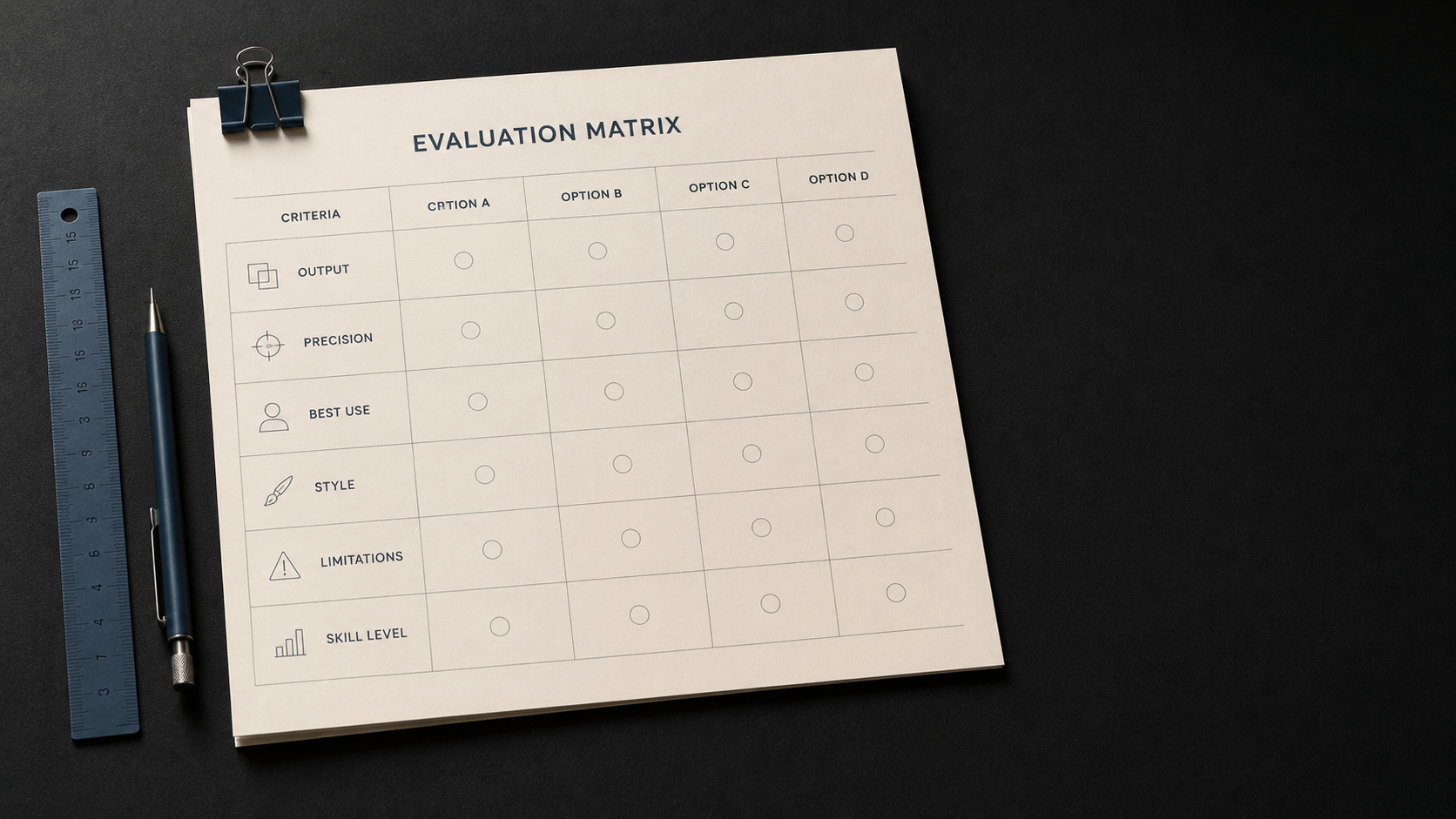
Each tool is evaluated across six dimensions:
Output type – what the tool produces.
Prompt sensitivity – how precisely the tool responds to detailed prompts.
Best-use context – where the tool typically performs well.
Style defaults – what the output tends to look like without heavy prompting.
Limitations – where the tool typically struggles.
Skill level fit – whether beginners or advanced users get more out of it.
Note on Probabilistic Language
AI tools are actively developed. The characteristics described in this guide reflect typical behavior based on current versions.
Performance can vary depending on your prompt structure, context, and intended output format. Treat this guide as a starting point, not a fixed rule set.
Tool Overview at a Glance
The table below summarizes the four tools across six evaluation dimensions.
| Dimension | GPT Image | Nano Banana 2 | Kling | Veo 3.1 |
|---|---|---|---|---|
| Output Type | Still image | Still image | Short video | Cinematic video |
| Prompt Sensitivity | High – responds well to detailed scene descriptions | Moderate – style presets reduce need for detail | Moderate – motion keywords carry significant weight | High – camera and timing instructions improve output meaningfully |
| Best-Use Context | Instructional visuals, concept illustrations, blog images | Stylized content, branded visuals, social media assets | Short social clips, product demos, motion loops | Narrative video, course content, professional reels |
| Style Default | Photorealistic or clean illustration | Stylized, often artistic or filtered | Smooth, often commercial-feeling motion | Cinematic, higher visual fidelity |
| Key Limitation | Consistency across a series requires careful prompt reuse | Outputs can skew toward a distinctive house style that is difficult to suppress | Longer sequences often show coherence drops | Requires more structured prompts to avoid generic outputs |
| Skill Level Fit | Beginner to Intermediate | Beginner – style presets lower the barrier | Intermediate | Intermediate to Advanced |
Tool Profiles
Each tool is examined in more detail below. Use these profiles to identify which tool fits a specific project or task.
GPT Image
GPT Image is an image generation tool integrated within the GPT ecosystem. It responds well to natural language descriptions and typically produces clean, usable output from relatively straightforward prompts.
One of its practical strengths is that it handles both photorealistic and illustrated styles without requiring separate model selection. A user who describes a concept clearly – including subject, setting, and tone – will often get an output that aligns closely with the intent.
Where GPT Image typically performs well:
- Instructional and educational visuals where clarity matters more than stylization
- Blog header images that need to be neutral and broadly applicable
- Concept illustrations where the visual needs to support explanatory text
- Iterative workflows where you can refine the prompt across several runs
Where to be cautious:
- Generating a visually consistent series requires careful prompt reuse and documentation
- Highly stylized outputs require more specific modifier language
- Complex multi-subject scenes can produce uneven spatial relationships
| Prompt | A person working at a desk. |
| Prompt | A professional working at a modern desk with a laptop, warm overhead lighting, soft shallow depth of field, clean photorealistic style, 16:9 aspect ratio. |
Nano Banana 2
Nano Banana 2 is a stylized image generation tool that uses built-in style presets to give outputs a distinctive visual character. It is designed to lower the barrier for users who want polished, art-directed results without writing detailed modifier stacks.
This makes it well-suited for branded social media content, stylized illustrations, and creative assets where a specific visual tone is the goal. The trade-off is that the tool’s default style can be difficult to suppress entirely. Outputs will often carry a recognizable aesthetic regardless of how the prompt is written.
Where Nano Banana 2 typically performs well:
- Social media assets that benefit from a distinctive visual style
- Brand-aligned content where a consistent look is more important than photorealism
- Creative campaigns that use stylization as an intentional design choice
- Lower-effort production workflows where presets reduce prompting time
Where to be cautious:
- Projects that require photorealism or style neutrality may conflict with the tool’s defaults
- Instructional content where clarity of the subject matters more than aesthetics
- Advanced users who want granular control over style outputs may find preset dominance limiting
| Prompt | Marketing image for a software product. |
| Prompt | A clean, minimal product feature illustration showing a mobile dashboard, flat design style, teal and white color palette, centered composition. |
Kling
Kling is a short-form video generation tool. It converts text prompts into brief video clips, typically in the range of five to ten seconds. Its outputs tend toward smooth, commercially styled motion – making it a reasonable fit for product-adjacent content and short social clips.
The tool responds to motion descriptors. Prompts that specify what moves, how it moves, and at what pace tend to produce more usable outputs than static scene descriptions carried over from image prompting. Motion is a structural requirement, not an optional detail.
Where Kling typically performs well:
- Short product demonstration clips where subject motion is simple and predictable
- Looping social content where visual variety matters more than narrative progression
- Motion-heavy assets like background loops or transition clips
- Rapid iteration workflows where low-effort clips are acceptable
Where to be cautious:
- Sequences longer than ten seconds tend to show coherence drops in subject consistency
- Prompts borrowed from image generation without motion language often produce flat or generic results
- Narrative-driven content requires more structure than Kling’s default prompt handling supports well
| Prompt | A coffee cup on a table. |
| Prompt | A steaming coffee cup on a wooden table, steam rising slowly, soft natural light from the left, close-up shot, 5 seconds, smooth motion, cinematic feel. |
Veo 3.1
Veo 3.1 is a cinematic video generation tool oriented toward higher-fidelity output. It responds to camera direction language, temporal structure, and lighting descriptions in a way that distinguishes it from shorter-form video tools.
Users who include camera movement instructions, shot type descriptions, and scene progression notes in their prompts typically get output that feels more purposeful and less generic. Without this structure, Veo 3.1 can produce visually capable but narratively flat results.
Where Veo 3.1 typically performs well:
- eCourse and educational video content where visual quality affects perception of professionalism
- Narrative sequences where subject continuity and camera logic matter
- Professional reels or promotional content where production value is a priority
- Projects where the effort of writing structured prompts is justified by the output quality
Where to be cautious:
- Beginners writing short, unstructured prompts are less likely to unlock the tool’s capabilities
- Rapid iteration workflows where low-effort outputs are acceptable are better served by simpler tools
- Generation time is generally higher than short-form video tools
| Prompt | A person walking through a city. |
| Prompt | Medium tracking shot of a person walking along a city sidewalk at dusk, slow steady camera follow from behind, warm streetlight ambiance, 10 seconds, smooth motion, cinematic color grading. |
How to Choose the Right Tool
The question is not which tool is best. The question is which tool fits the task you are trying to complete. Here is a practical decision framework.
| If your task looks like this… | Consider this tool |
|---|---|
| You need a blog header image or instructional visual quickly | GPT Image |
| You want stylized social media assets with consistent visual character | Nano Banana 2 |
| You need a short motion clip for a social post or product demo | Kling |
| You are producing video content where quality and narrative matter | Veo 3.1 |
| You need a series of visuals that look cohesive across multiple assets | GPT Image or Nano Banana 2 – with a documented prompt template |
| You are a beginner and want results without extensive prompt tuning | GPT Image or Nano Banana 2 |
No single tool handles every task well. In practice, many workflows will use more than one tool across a project – image generation for static assets and video generation for motion-based content.
What to Watch For in All Four Tools
These limitations apply across the category, regardless of which tool you use.
Consistency across a series. No current visual AI tool reliably maintains identical style, lighting, or subject appearance across multiple generations without careful prompt documentation and template reuse.
Prompt carry-over errors. Image prompt habits do not transfer directly to video tools. Motion, camera direction, and temporal structure are required additions – not optional upgrades.
Tool-specific defaults. Every tool has aesthetic tendencies. Understanding what a tool defaults to – and when that default works against your goal – is a core skill in visual AI prompting.
Ethical responsibilities. Visual AI tools raise questions about copyright, likeness, and disclosure. These responsibilities apply regardless of which tool you use. See Article 7-7 in this series for detailed guidance.
Key Takeaways
- GPT Image and Nano Banana 2 are image generation tools. Kling and Veo 3.1 are video generation tools. They serve different output types and should be evaluated separately.
- GPT Image responds well to detailed scene descriptions and suits instructional and blog content workflows.
- Nano Banana 2 uses style presets to lower prompting effort – useful for branded and stylized social content.
- Kling is built for short-form video. Motion descriptors are essential. Image prompting habits do not transfer directly.
- Veo 3.1 produces higher-fidelity video output when prompts include camera direction, timing, and scene structure.
- The right tool depends on output type, required quality level, and how much prompt effort the task justifies.
- All four tools share common limitations around series consistency, prompt structure, and ethical responsibilities.