
Introduction
The same prompt structure can work for very different jobs. That’s one of the most useful things to understand about AI prompt workflows by role.
You don’t need a separate system for every team or function. You need a shared framework – and you need to see how different roles apply it to different tasks.
This article shows exactly that. You’ll follow three professionals through real workplace tasks: an operations coordinator automating a vendor report, a communications professional drafting a stakeholder update, and a knowledge worker summarizing research findings. Each uses the same four-part prompt structure. The inputs and outputs look different. The logic behind them does not.
By the end, you’ll see why the framework holds across contexts – and where each role has to make specific adjustments to get useful results.
The Four-Part Prompt Structure
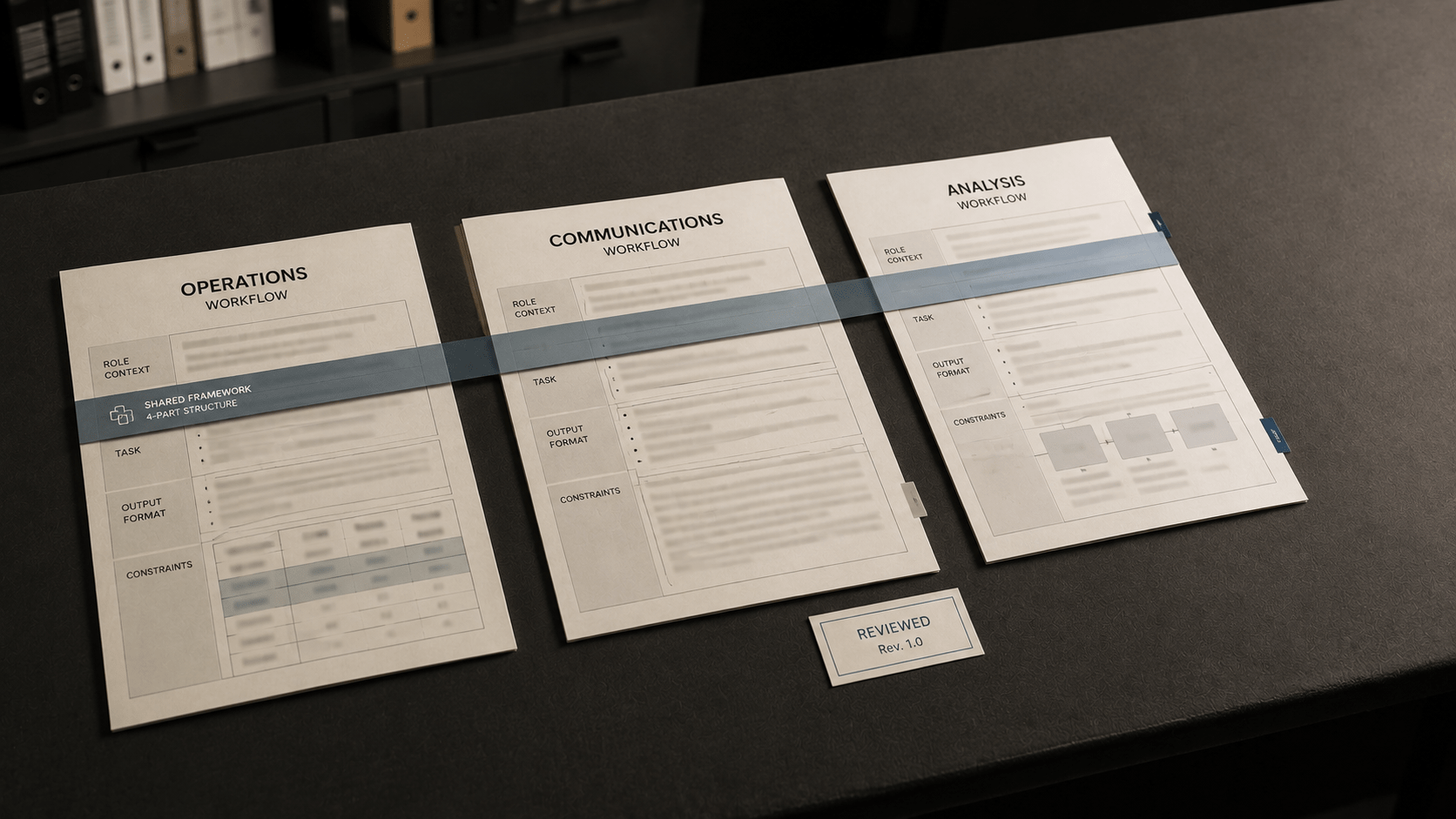
Before comparing the roles, here is the shared framework each professional uses. It has four components:
Role context – Describe the perspective or professional lens the AI should apply.
Task – State clearly what you need produced.
Output format – Specify how the response should be structured (list, report, table, paragraph, etc.).
Constraints – Set any limits – length, tone, data scope, audience, or exclusions.
This four-part structure does not guarantee a specific outcome. AI responses can vary based on how precisely each component is written, the complexity of the task, and how much relevant context is included. What the structure does is give the AI a clearer signal about what you need – and that typically produces more targeted, usable output than an unstructured request.
Now, see how three professional roles apply it.
Role 1: The Operations Coordinator
An operations coordinator manages recurring processes, tracks vendor performance, and produces internal reports. Much of the work involves organizing structured data into readable summaries for managers or leadership.
The Task
The coordinator needs to produce a weekly vendor performance summary. She has raw data: on-time delivery rates, issue logs, and volume figures for four vendors. Her manager wants a one-page summary with a flagged alert for any vendor performing below threshold.
Weak Prompt
| Prompt | Summarize the vendor performance data. |
Note: No role context, no format specification, no constraints. The AI has no basis to determine what the summary should look like, how long it should be, or what “performance” means in this context.
Improved Prompt
| Prompt | You are an operations analyst preparing an internal report. I will provide weekly vendor performance data including on-time delivery rates, open issue counts, and volume handled. Produce a structured summary table with one row per vendor, then write two to three sentences flagging any vendor whose on-time delivery rate falls below 90%. Keep the language factual and neutral. Do not interpret or recommend actions. |
Why it works: The role context sets the professional lens. The task specifies both the table and the flagging requirement. The output format combines a table with a short narrative. The constraint (“do not interpret”) limits scope to summary only, which is appropriate for a data report.
The coordinator still needs to review the output. AI tools working with pasted or inputted data can misread column structures, miscount rows, or produce summary language that sounds precise but does not match the source figures. Verification is part of the workflow, not optional.
Role 2: The Communications Professional
A communications professional manages internal and external messaging: drafting updates, preparing announcements, and adapting language for different audiences. The challenge is often the same content needs to land differently depending on who receives it.
The Task
He needs to write a brief stakeholder update following a delayed product launch. The delay was caused by a supply chain issue. The audience is a group of external partners who have contracts tied to the launch. The tone must be transparent but reassuring.
Weak Prompt
| Prompt | Write a message about the product launch delay. |
Note: No role context, no audience, no tone guidance, and no constraints on what to include or exclude. The output is likely to be generic – either too casual or too formal, with no calibration to the actual stakes or audience.
Improved Prompt
| Prompt | You are a corporate communications writer. Draft a 150 to 200 word stakeholder update about a product launch delay caused by a supply chain disruption. The audience is external business partners with contracts tied to the launch date. The tone should be transparent and professional without being apologetic or alarming. Acknowledge the delay, explain the cause briefly without technical detail, state that a revised timeline will follow within five business days, and close with a reassurance of continued commitment. Do not include specific dates or contract terms. |
Why it works: The role context establishes a professional writing lens. The task is specific: length, subject, and key message points are defined. The output format is implicit (short narrative email-style update). The constraints are explicit and practical – what to include, what to leave out.
The communications professional will still review and edit the draft. AI-generated professional messaging often requires adjustment for organizational voice, relationship nuance, or specific wording sensitivities that are not captured in the prompt. The draft is a starting point, not a final product.
Role 3: The Knowledge Worker and Analyst
A knowledge worker or analyst synthesizes information and produces structured outputs from complex inputs: research notes, interview summaries, data sets, or reports from multiple sources. The work often involves distilling large volumes of material into clear, decision-ready summaries.
The Task
She has completed a review of five industry reports on workforce automation trends. She needs to produce an executive summary for her organization’s leadership team. The summary should cover key patterns, highlight any conflicting findings, and avoid recommending action – the leadership team will decide next steps.
Weak Prompt
| Prompt | Summarize these reports about workforce automation. |
Note: No framing for synthesis, no output format, no audience context, and no guidance on what to do with conflicting data. The output is likely to be a loose aggregation of points rather than a structured executive summary.
Improved Prompt
| Prompt | You are a research analyst preparing an executive summary for senior leadership. I will provide five industry reports on workforce automation trends. Produce a structured summary with three sections: Key Patterns (three to five bullet points covering trends that appear across multiple reports), Conflicting Findings (two to three points where reports disagree or present contradictory data), and Gaps and Limitations (one to two points noting what the reports do not address). Keep the language objective and neutral. Do not recommend actions or draw conclusions beyond what the data supports. |
Why it works: The role context frames the AI as an analyst, not a general summarizer. The task defines three specific output sections. The output format is structured (headed sections with bullet points). The constraints prevent the AI from adding editorial interpretation, which is appropriate when the summary is meant to inform rather than direct.
As with the other roles, this output requires human review. AI tools can misattribute findings to the wrong source, conflate similar-sounding points, or present synthesized language that sounds authoritative but blends information in ways the original reports did not support. The analyst needs to verify the output against the source material.
Side-by-Side Comparison
Here is how the same four-part structure played out across all three roles:
| Operations Coordinator | Communications Professional | Knowledge Worker / Analyst |
|---|---|---|
| Task | ||
| Vendor performance summary with flagging | Stakeholder update on launch delay | Executive summary of five industry reports |
| Output format | ||
| Table + short narrative | Short professional narrative | Three-section structured summary |
The role context shifts in each case. The constraints differ based on what the output will be used for and who will read it. But the underlying logic is the same: define a perspective, specify the task, describe the format, and set the limits.
Patterns to Notice Across All Three Roles
Looking at these three workflows together reveals several consistent patterns in how AI prompt workflows by role tend to work in professional settings.
Constraints do the most structural work
In all three examples, the constraints section does more to shape the output than any other part. Telling the AI what not to do – don’t recommend actions, don’t include specific dates, don’t interpret the data – is often as important as telling it what to produce. Without constraints, AI-generated outputs tend to expand into areas that are outside the scope of what you actually need.
Role context is not decoration
The role context section is sometimes treated as optional or formulaic. These examples show why it matters. “You are an operations analyst” produces different output than “You are a corporate communications writer.” The framing shifts what the AI treats as relevant vocabulary, what level of detail it applies, and what register it writes in. That said, role context does not guarantee a specific professional style – it is a signal, and the rest of the prompt still has to carry the specifics.
Output format drives usability
Specifying the format – table, headed sections, numbered list, short narrative – makes the output easier to use directly. Unstructured prompts tend to produce unstructured outputs, which require more editing and reorganization before they can be used professionally.
Human review is always part of the workflow
All three professionals in these examples review and edit the AI output before using it. This is not a limitation to work around – it is the correct workflow. AI tools in professional settings work best when treated as a first-draft and synthesis layer, not as a replacement for judgment, domain expertise, or verification against source material.
Key Takeaways
- AI prompt workflows by role share the same four-part structure: role context, task, output format, and constraints.
- The same framework produces very different outputs when applied to different roles – because the task, format, and constraints change to match the professional context.
- Constraints often do more structural work than any other part of the prompt. Defining scope limits prevents AI outputs from expanding into areas you don’t need.
- Role context is a framing signal, not a guarantee. It shifts the AI’s register and vocabulary, but the rest of the prompt still needs to carry the specifics.
- Human review is part of every professional AI workflow. Verify outputs against source material before using them in professional documents or communications.