
Introduction
You have spent time building a solid prompt. The output looks complete. The structure is right, the tone seems appropriate, and the content covers what you needed. So you copy it and move on.
This is the step where things often go wrong.
Automated outputs can miss context, introduce subtle inaccuracies, or use a tone that does not quite fit the situation. A base AI model generates text from the input you provide. It does not know your organization’s approval hierarchy, your client’s communication preferences, or the compliance requirements for the document you are producing. That context lives with you.
QA review prompts give you a structured way to catch issues before an output becomes a sent email, a shared report, or a published document. This article explains the two main approaches – self-review prompts and criteria-based review prompts – how each one works, and when to use which.
What Problem Does This Framework Solve?
The core risk with automated outputs is not that they are usually wrong. It is that they are often close enough that problems are easy to miss on a quick read. A date might be slightly off. A tone might be professional but not warm enough for a long-term client. A scope constraint you included in the prompt might have been quietly expanded in the output.
Reading an output as a document – not as the author who just produced it – takes mental effort. QA review prompts reduce that effort by giving you a second pass with a defined lens. You are not re-reading for general quality. You are checking for something specific.
This matters especially in business automation workflows, where the same prompt template may be used many times across different inputs. A single blind spot in your review process compounds across every use.
The Two QA Review Prompt Types
There are two main approaches to prompt-based QA review. They serve different purposes and work best in different situations.
Self-Review Prompts
A self-review prompt asks the model to evaluate its own output against a set of criteria you define. You run it immediately after the generation prompt, using the generated output as the input for the review.
The basic structure looks like this:
| Template | Review the document above. Check for the following: 1. Tone: Is it professional and appropriately formal for [recipient/context]? 2. Scope: Does it stay within the boundaries defined in the original prompt? 3. Completeness: Are all required sections present? 4. Length: Does it meet the word count or length constraint? 5. Accuracy flags: Are there any statements that seem inconsistent or unclear? For each item, respond with: Met / Not Met / Unclear. |
Self-review prompts work well as a first filter for routine documents. They are fast to run and often surface obvious issues – a missed section, a tone that drifted from professional to casual, a length overage. They are not a final check. The model is evaluating output it produced, so it may not catch subtle factual errors or context it was never given.
Criteria-Based Review Prompts
A criteria-based review prompt is more structured. Instead of asking the model to evaluate its own output against general guidelines, you define an explicit evaluation standard and ask the model to apply it.
This approach requires more setup – you need to define the criteria clearly before running the review – but it produces more consistent, auditable results. Here is an example:
| Prompt | Evaluate the document below against the following criteria. For each criterion, respond with: Met / Not Met / Unclear. Add a brief note for any item that is Not Met or Unclear. Criteria: |
The structured response format – Met / Not Met / Unclear – makes the review output easy to scan. If everything is Met, you can move forward with confidence. If anything is Not Met, you have a clear revision target. Run the correction as a follow-up prompt, then re-run the criteria-based review to confirm the fix.
Self-Review vs. Criteria-Based: A Quick Comparison
| Dimension | Self-Review Prompt | Criteria-Based Review Prompt |
|---|---|---|
| Purpose | First-pass check for obvious formatting, tone, and scope issues | Structured evaluation against a defined standard |
| How it works | Feed the output back to the model; ask it to self-evaluate | Feed the output and a criteria list; model returns Met/Not Met/Unclear for each item |
| Best for | Routine documents – emails, meeting summaries, SOP drafts | Compliance-adjacent tasks – policy documents, client-facing reports, training materials |
| Limitation | May not catch subtle inaccuracies in the content it produced | Requires you to define clear, measurable criteria upfront |
| When to skip | Very short outputs where a human read-through is faster | High-stakes outputs that require qualified human review regardless |
Worked Examples
Example 1: Self-Review on a Meeting Summary
You have generated a meeting note summary from raw bullet-point notes. You run this self-review prompt immediately after:
| Prompt | Review the meeting summary above. Check for: 1. Tone: Is it neutral and factual? No editorial commentary. 2. Completeness: Are all three sections present (Key Decisions, Action Items, Open Questions)? 3. Action items: Does each action item include an owner and deadline if one was mentioned in the notes? 4. Scope: Does it include only content from the meeting notes – no inferred content? For each item, respond with: Met / Not Met / Unclear. |
If the model flags that action item owners are listed as Unclear, you can follow up: “Revise the Action Items section. Where no owner was specified in the notes, mark the field as TBD.”
Example 2: Criteria-Based Review on a Vendor Email
You have generated a follow-up email to a vendor about a delayed shipment. Before sending, you run this criteria-based review:
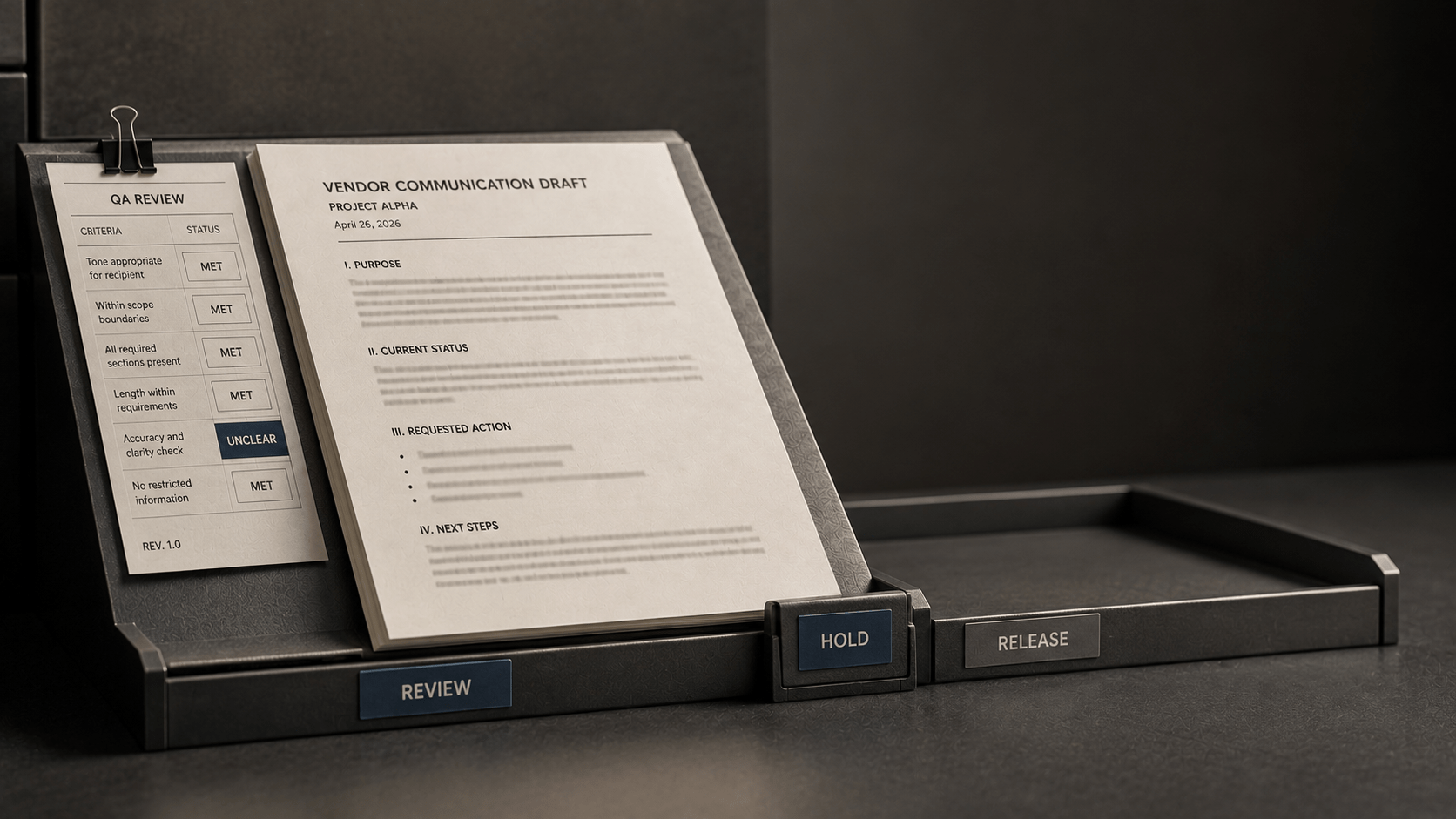
| Prompt | Evaluate the email draft below against these criteria. For each, respond with: Met / Not Met / Unclear. 1. Recipient tone is professional and firm without being aggressive. |
This kind of criteria-based review takes about 30 seconds to run. If everything comes back as Met, you review it yourself and send. If anything is Not Met, you have a precise fix to make before it leaves your outbox.
When to Use Each Approach
Neither approach is universally better. The right choice depends on the output type and the stakes involved.
Use a self-review prompt when:
- The output is a routine document – an email draft, a meeting summary, a short SOP section.
- You want a fast first pass before doing your own read-through.
- The criteria are general enough that you do not need a structured audit trail.
Use a criteria-based review prompt when:
- The output is going to a client, stakeholder, or external audience.
- The document has specific requirements – compliance language, required sections, length limits.
- You want a documented QA record for the output.
- You are reviewing outputs that will be used in a structured workflow and need consistency across multiple uses of the same template.
In many business workflows, both work well together. Run a self-review prompt first to catch quick issues. Then run a criteria-based review if the output is going somewhere that matters.
Limitations and Common Misapplications
QA review prompts are a useful first filter. They are not a substitute for human review on high-stakes outputs.
- A base AI model evaluating its own output cannot catch context it was never given. If your prompt did not include the compliance requirement, the self-review will not flag the gap.
- Criteria-based reviews are only as good as the criteria you define. Vague criteria produce vague evaluations. “Tone is appropriate” is harder for a model to assess consistently than “Tone is professional and does not reference the prior dispute.”
- For any output that carries legal, financial, medical, or regulatory implications, prompt-based QA is not sufficient. Human review by a qualified professional is required. Automated outputs can support that review process, but they cannot replace it.
- Do not skip your own read-through just because a self-review came back clean. Use prompt-based QA to reduce the cognitive load of review, not to eliminate the review step entirely.
One more note: QA review prompts work best when they are built into your workflow from the start – not added after the fact when something looks off. If your prompt library includes a generation template for a task, build the corresponding review prompt alongside it.
Key Takeaways
- QA review prompts are a built-in quality check for automated outputs. There are two main types: self-review prompts and criteria-based review prompts.
- A self-review prompt asks the model to evaluate its own output against a set of criteria. It works well as a first filter for routine documents.
- A criteria-based review prompt applies an explicit evaluation standard to the output and returns a structured result (Met / Not Met / Unclear) for each criterion. It is more reliable for compliance-adjacent or external-audience documents.
- Neither approach replaces human review. For high-stakes, legal, financial, or regulatory outputs, a qualified human reviewer is required.
- QA review prompts are most effective when built into the workflow alongside the generation prompts – not added after the fact. A base AI model cannot catch context or requirements it was never given, so define your criteria clearly before running any QA prompt.