
Introduction
Think about the last time you wrote an email you had written before. Maybe it was a follow-up to a delayed shipment. Maybe it was a weekly status update for your manager. Maybe it was a summary of a meeting that followed the same format every time.
You probably did not need to think deeply about structure. You knew what the email needed to say. You just had to sit down and type it.
That kind of task – structured, repetitive, and predictable – is where business automation with AI prompts tends to add the most value.
Business automation with AI prompts means using structured text instructions to direct an AI language model to produce professional documents, summaries, and communications faster than you could write them from scratch. You provide the raw material. You provide the instructions. The model generates a working draft.
This article explains what that process looks like, how it differs from traditional software automation, and which professional tasks are the most natural fit for this approach.
What Business Automation with AI Prompts Actually Means
The phrase “business automation” can mean different things depending on the context. In traditional IT or operations settings, automation usually refers to software rules and scripts – if X happens, Y runs automatically. Data moves between systems. Forms get submitted. Reports get generated without human input.
Prompt-driven automation works differently. There is no script running in the background. There is no system integration pulling live data. Instead, you write a structured prompt – a carefully designed text instruction – and submit it to an AI language model. The model reads your input and produces an output based on your instructions.
The automation is in the structure. When you build a prompt that reliably produces a first draft of a specific document type, you have automated the hardest part of the writing task: getting something on the page.
Base Models vs. Tool-Connected Systems
It is worth being clear about what kind of AI system is involved here, because the distinction matters.
A base AI model is a language model with no external connections. It does not read your files. It does not access your calendar, email, or internal databases. It works only with the text you include in your prompt. When you paste in meeting notes and ask for a summary, the model processes what you gave it – nothing more.
A tool-connected AI system is different. It may be configured to access files, search external databases, read from a project management tool, or pull live data from connected services. These systems can do more, but they also require setup, permissions, and platform-specific configuration.
This article – and most of Chapter 8 – focuses on what you can do with a base model. That is where most people start, and it is where structured prompts do the most accessible work.
How Prompt Automation Differs from Traditional Automation
Traditional automation handles tasks that follow strict, defined rules. A payroll system runs on a schedule. An inventory alert fires when stock drops below a threshold. A form submits data to a database. These systems are powerful, but they require technical setup, predefined logic, and consistent data formats.
Prompt automation handles something different: the messy, language-based work that does not fit neatly into rules.
Consider the difference:
| Traditional Automation | Prompt Automation |
|---|---|
| Runs without human input once configured | Requires you to provide input for each task |
| Handles structured, rule-based data flows | Handles unstructured language and writing tasks |
| Requires technical setup and integration | Works through plain-text instructions |
| Output is predictable and repeatable by design | Output varies based on input quality and prompt structure |
| Example: auto-generating a weekly sales report from a database | Example: drafting a weekly status update from your own notes |
Neither approach is better in every situation. They solve different problems. Traditional automation handles high-volume, rule-based tasks at scale. Prompt automation handles the writing work that sits in between – structured enough to template, varied enough to require language.
Which Professional Tasks Benefit Most
Not every task is a good fit for prompt-driven automation. The tasks that tend to work best share a few common traits: they follow a predictable structure, they repeat regularly, and they do not require deep professional judgment or sensitive contextual decisions at every step.
Here is how to think about it. Professional tasks generally fall into two categories:
- High-judgment tasks – These require professional experience, contextual awareness, or strategic thinking at every step. Writing a proposal for a new client, evaluating a business risk, managing a sensitive personnel issue. These tasks need you deeply involved throughout. Prompt automation may assist with a section or a draft, but it does not reduce the core judgment involved.
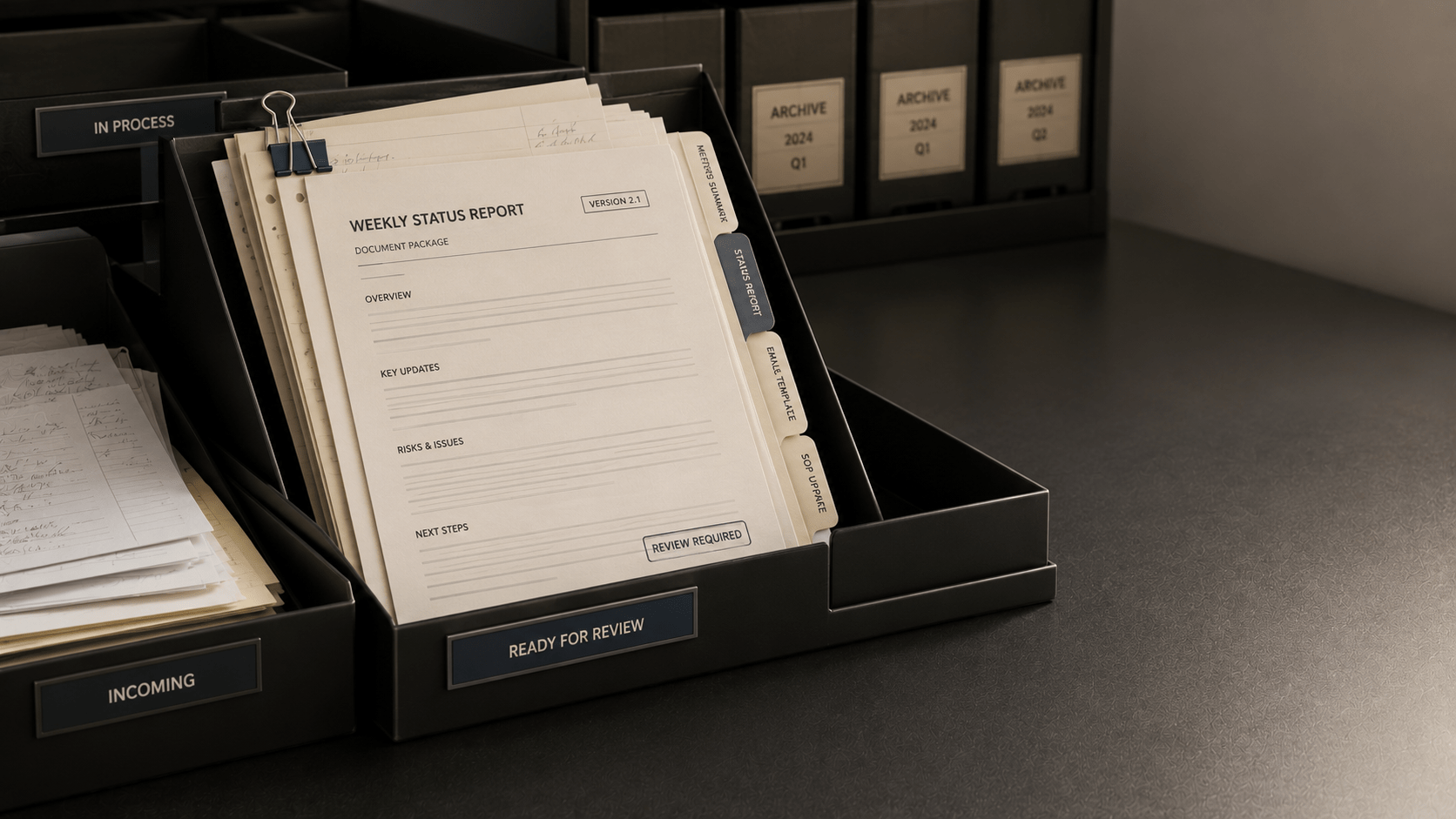
- Structured, repetitive tasks – These follow a consistent format, serve a known audience, and repeat on a regular schedule. Weekly status reports, SOP updates, meeting note summaries, standard email responses. The format matters more than creative input. These are the tasks where a well-built prompt tends to produce a useful first draft reliably.
The second category is where prompt automation often delivers the most practical value. When the structure is consistent and the goal is clear, a prompt can handle the first draft – and you focus on reviewing, adjusting, and finalizing.
Specific Task Types That Tend to Respond Well
The following task types appear in most professional settings and typically work well with structured prompts:
- Document drafts: Standard operating procedures, policy summaries, onboarding checklists, and procedure updates. Tasks that follow a numbered or sectioned format.
- Email communications: Follow-up emails, client update messages, vendor inquiries, and internal notifications. Tasks where the recipient context, tone, and required content are known in advance.
- Meeting summaries: Converting raw bullet-point notes into structured summaries with decisions, action items, and open questions. Tasks where the input is clear but the formatting takes time.
- Report generation: Turning a set of data points or structured notes into a narrative report with defined sections. Tasks where the data is ready but the writing is the bottleneck.
- Data summaries: Extracting key findings and trends from a list or table. Tasks where you have the numbers but need a readable interpretation.
A Simple Prompt to Get Started
Before diving into the full workflow, it helps to see what a basic prompt for one of these task types actually looks like. The example below is a meeting summary prompt – one of the most common starting points for professionals new to prompt automation.
| Template | Input: [Paste your raw meeting notes here] Task: Convert these notes into a structured meeting summary. Output format: Three sections – Key Decisions (bullet list), Action Items (with owner and deadline if noted), and Open Questions (items needing follow-up). Audience: Team members who were not at the meeting. Tone: Neutral and factual. No editorial commentary. |
Notice what this prompt does: it provides the raw input, names the task, defines the output format, identifies the audience, and sets the tone. Each of these components gives the model the context it needs to produce a usable draft. Later articles in this chapter cover how to build prompts like this for documents, reports, and other task types step by step.
What a Basic Prompt Automation Workflow Looks Like
If you are new to this, it helps to see the overall process before focusing on any one task type.
A typical prompt automation workflow for a professional writing task follows four steps:
| Step 1 Identify the task |
Choose a writing task that repeats regularly and follows a consistent structure. |
| Step 2 Prepare your input |
Gather the raw material – your notes, data points, or key information – before you write the prompt. |
| Step 3 Write a structured prompt |
Include role context, a clear task description, an output format, scope constraints, and audience details. |
| Step 4 Review and refine |
Read the output carefully. Adjust anything that does not fit the context. Never use an automated draft without a review. |
Step 4 is not optional. Automated outputs typically require human review before they are shared, sent, or published. The model does not know everything about your context, your audience’s expectations, or the nuances of your specific situation. A review step is always part of the workflow.
What to Expect – and What Not to Expect
Setting realistic expectations early saves frustration later.
Prompt automation with a base AI model tends to work well when:
- Your task has a defined structure and a clear output format.
- You can provide the relevant context and raw input in the prompt.
- You are looking for a strong first draft – not a finished product.
- You have time to review and adjust the output before using it.
It tends to work less well when:
- The task requires information the model does not have, such as live data, internal records, or proprietary context you did not include.
- The output needs to sound exactly like a specific person or match a highly specific voice.
- The task involves sensitive judgment calls – legal decisions, personnel matters, client relationships requiring deep contextual history.
- You need the output to be used as-is without review.
Important Note:
Prompt automation supports your workflow. It does not replace your judgment.
Automated outputs occasionally miss context, misread scope, or use a tone that does not quite fit.
A human review step is not just recommended – it is part of the process.
Key Takeaways
- Business automation with AI prompts means using structured text instructions to generate professional document drafts faster than writing from scratch.
- It differs from traditional software automation: it handles unstructured language tasks, requires your input for each task, and depends on prompt quality rather than predefined rules.
- Base AI models work only with the input you provide. They do not access your files, email, or internal systems. Tool-connected systems may extend these capabilities, but this article focuses on base model workflows.
- The tasks that respond best to prompt automation are structured, repetitive, and format-driven: document drafts, emails, meeting summaries, reports, and data summaries.
- A basic workflow has four steps: identify the task, prepare your input, write a structured prompt, and review the output.
- Automated drafts require human review before use. Prompt automation is a productivity tool – not a replacement for professional judgment.
What’s Next
The next article in this chapter walks through specific prompt templates for three of the most common document types: standard operating procedures, email drafts, and meeting summaries. Each template is annotated so you can see what each component is doing and why it matters.